Plesk
Plesk is a popular hosting control panel website for managing websites, applications, servers, hosting businesses, extensions, licenses, and WebOps workflows.
What Plesk is
Plesk is a popular website for a web hosting control panel and WebOps platform. The site presents Plesk as software for building, securing, running, and automating websites, applications, servers, and hosting businesses, with pages for licenses, extensions, pricing, and company information.
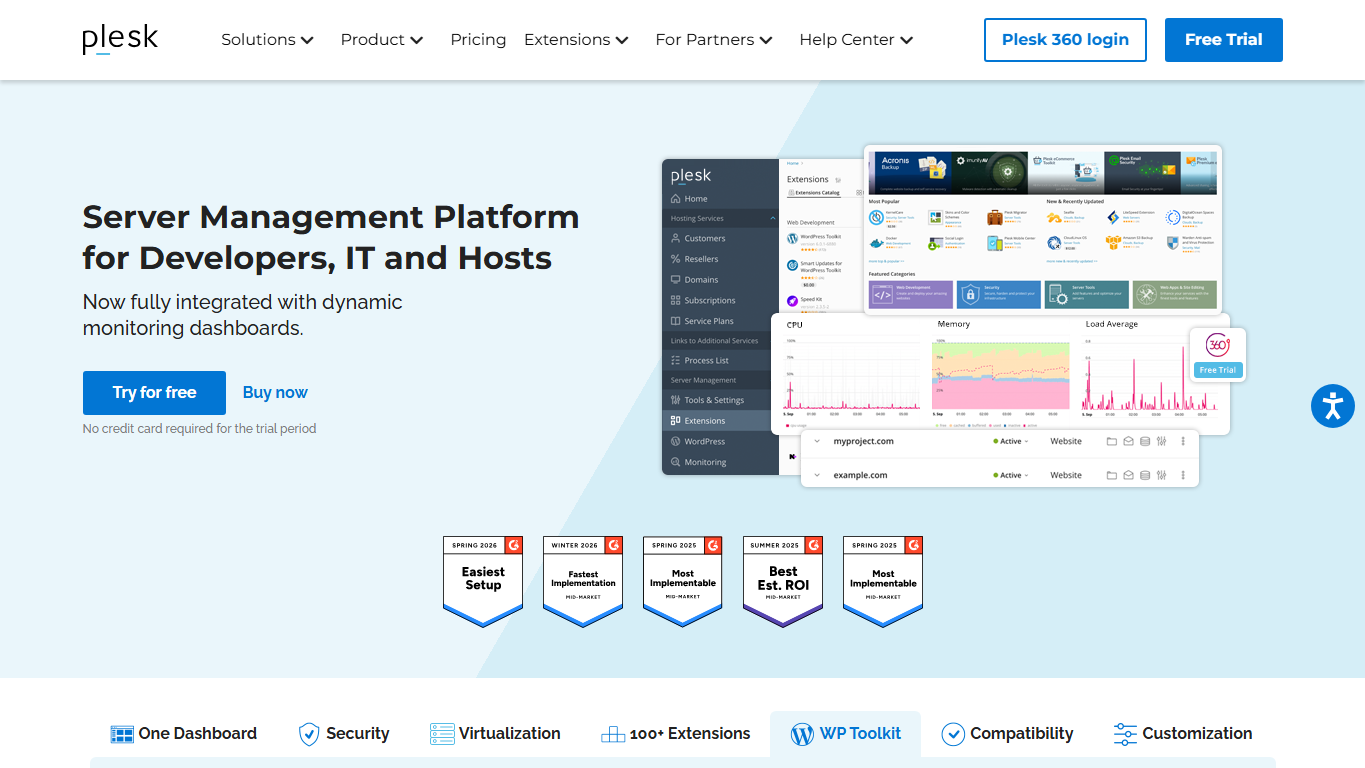
Hosting control panel role
A hosting control panel gives administrators and site owners a browser-based way to manage common server and website tasks. Plesk is used in that role for domains, websites, applications, email, databases, security settings, SSL certificates, extensions, updates, and account-level operations.
WebOps platform
Plesk also describes itself as a WebOps hosting platform, which means it targets the operational work around websites and applications, not only a single dashboard screen. That framing matters for agencies, hosts, developers, and IT teams that need repeatable ways to deploy, secure, monitor, and maintain many sites.
Extensions and ecosystem
The extensions catalogue is part of the Plesk experience because hosting control panels often need add-ons for backups, security, developer tools, WordPress management, monitoring, and third-party integrations. Extensions let providers and administrators adapt the platform to different workloads without building every tool themselves.
Who uses Plesk
Plesk is used by hosting companies, server administrators, developers, digital agencies, IT teams, and site owners who want a structured interface for managing websites and servers. It can fit users who manage one server, many client sites, or a hosting business that needs repeatable account and application workflows.
Licenses and pricing
The Plesk website includes license pricing because the product is usually bought by server owners, hosting providers, agencies, or organizations that manage hosting infrastructure. License choice can affect which features, account limits, and business workflows are available, so pricing is part of the operational decision.
What to compare
When comparing Plesk with other control panels or custom dashboards, users should look at supported operating systems, hosting-provider compatibility, licensing costs, extension availability, WordPress tools, security features, backup options, support paths, and how comfortable the team is with the interface.
Why it matters
Plesk matters because control panels shape how people operate web infrastructure. For non-specialists, it can make hosting tasks approachable; for professionals, it can standardize repeated work across many websites, customers, applications, and servers.
WHOIS domain data
Data pulled: May 21, 2026View current WHOIS record
- Domain
- plesk.com
- IP address
- 104.18.40.121
- Registrar
- EuroDNS S.A.
- WHOIS server
- whois.eurodns.com
- Referral URL
- http://www.EuroDNS.com
- Created
- June 13, 1999
- Updated
- April 20, 2023
- Expires
- June 12, 2026
- Nameservers
- jeff.ns.cloudflare.com (172.64.33.124); gene.ns.cloudflare.com (173.245.58.158)
- Domain status
- clientTransferProhibited
- Registrant contact
- Hostmaster Plesk, Plesk International GmbH, Schaffhausen, CH
- Registrant phone
- +41.445087270
- Registrant email
- pleskdomains [at] plesk [dot] com