CodePen
CodePen is a popular online code editor and front-end developer community where people build, test, share, embed, and discover HTML, CSS, and JavaScript experiments called Pens.
What CodePen is
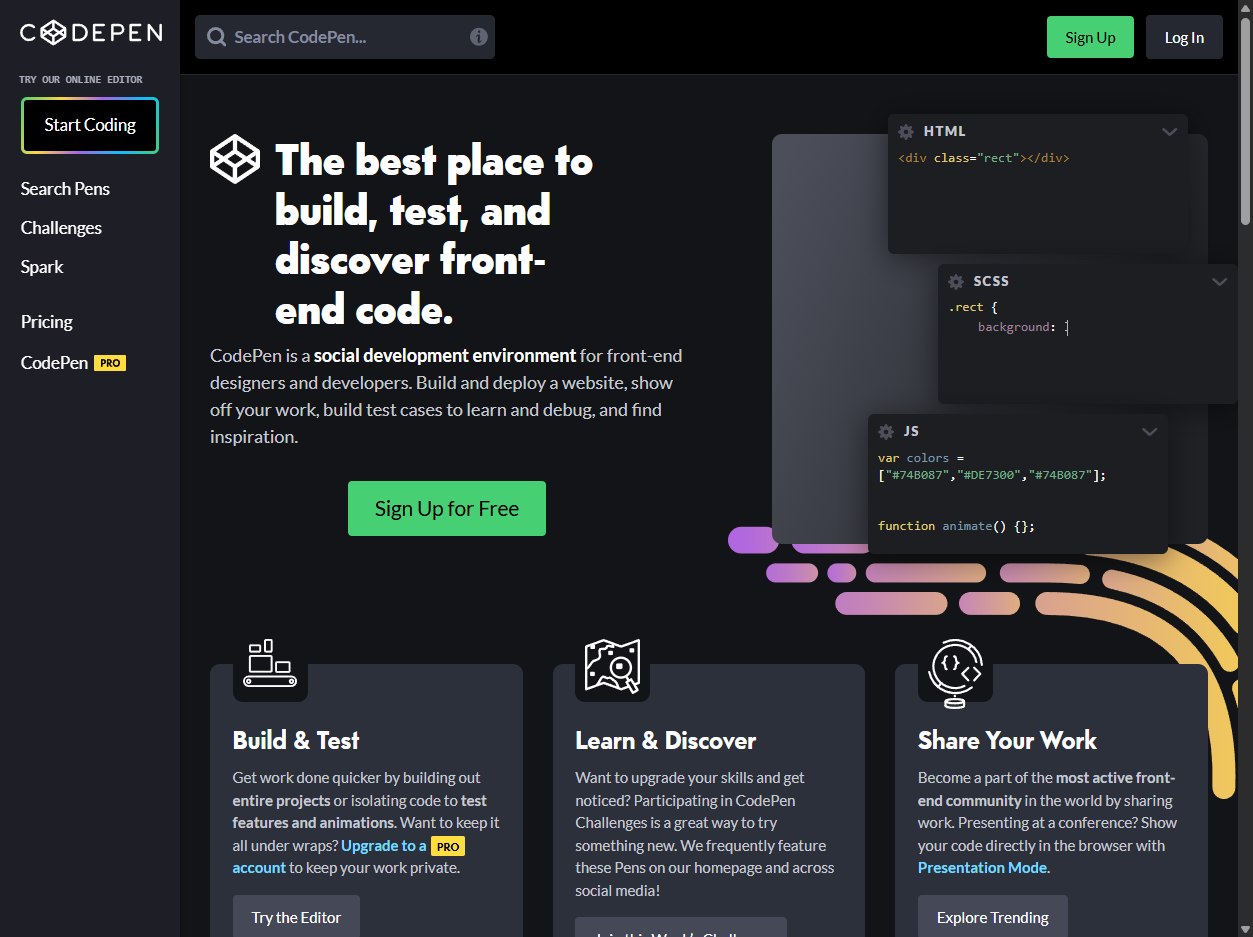
CodePen is an online code editor and community for front-end web work. On CodePen.io, people write HTML, CSS, and JavaScript, preview the result live, save experiments as Pens, share demos, embed examples on other websites, and browse work from other designers and developers.
Pens are small websites
CodePen's docs describe a Pen as a website: a collection of files and blocks that builds into a hosted result. Pens are often used for interface experiments, CSS art, animation tests, bug reproductions, teaching examples, portfolio pieces, and quick prototypes that do not need a full repository or deployment pipeline.
Editor and preview
The core editor gives separate places to write markup, styles, and scripts while a preview updates as the code changes. CodePen also supports preprocessors such as Sass, Less, PostCSS, Haml, Pug, and Babel-style JavaScript workflows, making it useful for quick experiments with front-end tools without setting up a local build system.
Community and discovery
CodePen is not just a private scratchpad. Public Pens can be searched, followed, liked, commented on, collected, and featured. Profiles act like front-end portfolios, and browsing other people's Pens is part of the learning culture. The site is especially strong for visual, interactive, and teachable examples.
Collections and embeds
Collections let users group Pens and other CodePen work around themes, lessons, inspiration, or projects. Embeds let a Pen appear inside documentation, tutorials, blog posts, product pages, and learning materials. That made CodePen a common way to show a live front-end example without asking readers to clone a repo.
Pro features and limits
CodePen offers free public Pens and paid features such as privacy controls, asset hosting, collaborators, live view, custom embed themes, and larger file limits. The free model encourages public sharing, while paid plans support more private or professional workflows.
Tradeoffs
CodePen is excellent for quick front-end experiments, but it is not always the right home for a full production app. Larger projects may need source control, testing, build tooling, backend services, environment variables, package governance, and deployment workflows that are better handled elsewhere. CodePen shines when the thing being shared is visible, focused, and browser-native.
Why it matters
CodePen matters because it made front-end code social, immediate, and inspectable. It lowered the effort needed to test an idea, teach a technique, report a bug, or show creative code to the public. For many web designers and developers, a Pen became the fastest path from idea to live example.