Evernote
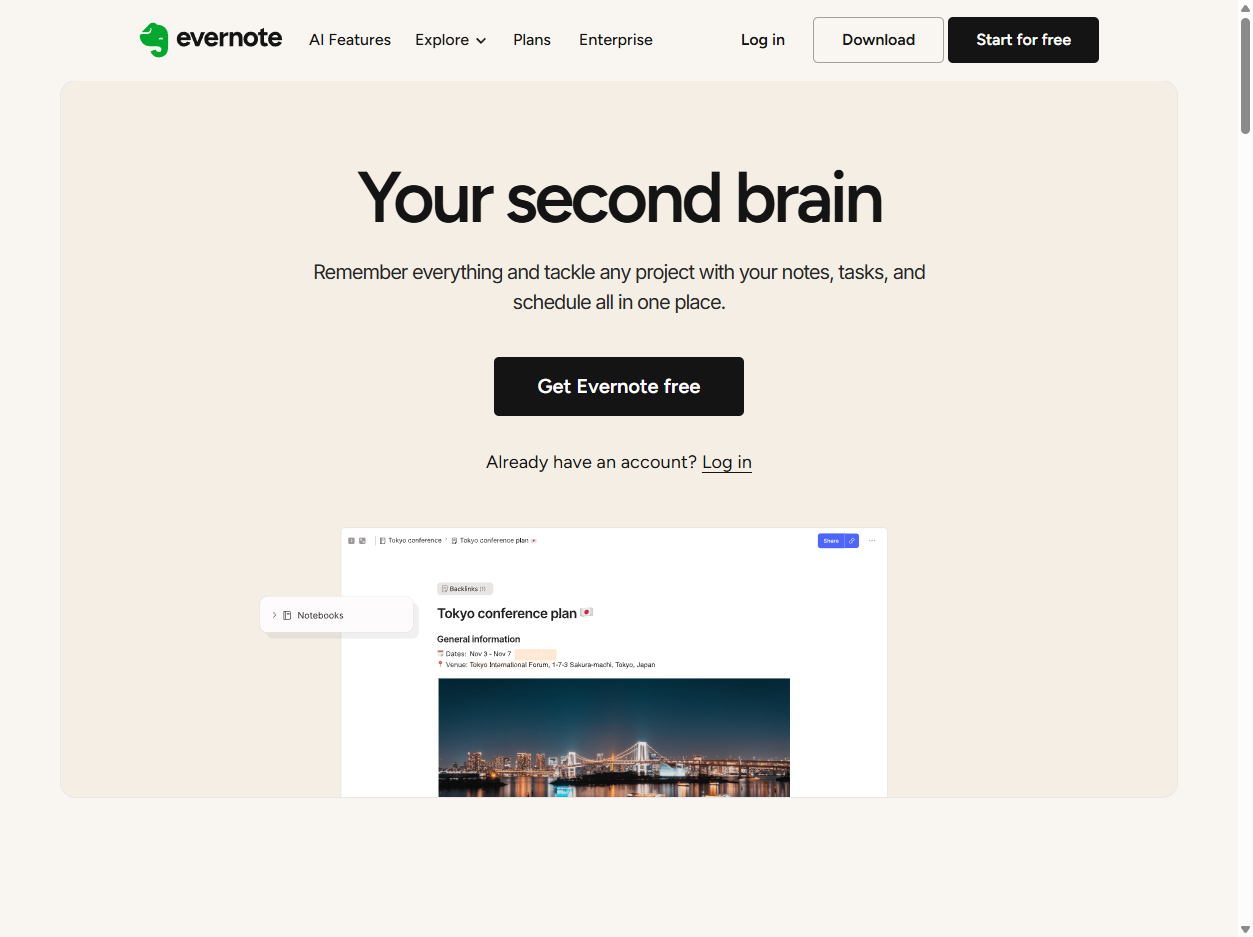
Evernote is a popular note-taking website and app for capturing notes, web clips, files, tasks, ideas, and searchable personal or work information across devices.
What Evernote is
Evernote is a note-taking website and app for collecting and organizing information. On Evernote.com, people can create notes, save web content, attach files, make tasks, organize notebooks, search their archive, and sync important material across computers, phones, and tablets. The official Evernote app is available on the App Store and Google Play.
.svg)

Notes as an archive
Evernote is built around the idea that a note can hold many kinds of memory: typed text, clipped articles, images, PDFs, scans, audio, emails, checklists, and links. Over time, those notes become a personal or work archive that is meant to be easier to search than a folder full of disconnected files.
Organization and search
The basic organizing units are notes, notebooks, tags, and search. Notebooks group related material, tags cut across categories, and search helps users find old information without remembering exactly where it was filed. Evernote's help pages emphasize that note contents, notebooks, tags, and attachments can be searched.
Web clipping
Evernote became especially useful for saving material from the web. A web clipper can capture articles, screenshots, pages, or selections and store them as notes. That made Evernote useful for researchers, students, writers, designers, and anyone who wanted a durable place for online references instead of relying only on browser bookmarks.
Tasks and workflows
Modern Evernote also includes tasks, reminders, calendar-related workflows, document handling, and templates. That pushes it beyond simple note storage toward lightweight task and project management. For many users, the product sits between a notes app, a document archive, and a personal productivity system.
AI features
Evernote's current help center describes AI features that help users capture, organize, and understand information faster. These include AI-powered search and assistance layered on top of existing notes. The promise is that a large note archive can become more useful when software can summarize, retrieve, and connect information without forcing perfect manual organization.
Rise and reinvention
Evernote was once one of the signature productivity apps of the cloud-sync era, often described as a digital second brain. Later, it faced criticism over pricing, performance, product direction, and competition from newer notes tools. Its Bending Spoons chapter has focused on rebuilding the product, modernizing features, and adding AI, while also renewing debates about subscription value and long-term trust.
Why it matters
Evernote matters because it helped popularize the idea that everyday knowledge could live in a searchable cloud notebook. It influenced how people think about personal archives, web clipping, cross-device notes, and the promise of a second brain long before AI assistants made searchable memory a mainstream software theme.
WHOIS domain data
Data pulled: May 24, 2026View current WHOIS record
- Domain
- evernote.com
- IP address
- 34.98.96.201
- Registrar
- 1API GmbH
- WHOIS server
- whois.1api.net
- Referral URL
- http://www.1api.net
- Created
- January 20, 2000
- Updated
- November 22, 2025
- Expires
- January 20, 2030
- Nameservers
- ns-cloud-a1.googledomains.com (216.239.32.106); ns-cloud-a2.googledomains.com (216.239.34.106); ns-cloud-a3.googledomains.com (216.239.36.106); ns-cloud-a4.googledomains.com (216.239.38.106)
- Domain status
- clientTransferProhibited
- DNSSEC
- unsigned
- Registrant location
- MI, IT
- Contact email
- info@domain-contact.org
- Contact privacy
- Registrant, admin, technical, and billing contact name, organization, address, phone, and fax details are redacted in the public record.