Notion
Notion is an all-in-one workspace for docs, wikis, databases, projects, notes, templates, calendars, mail, and AI agents. Built by Notion Labs and led by co-founder Ivan Zhao, it became popular with individuals, startups, creators, students, and teams trying to organize work in one flexible place.
What Notion is
Notion is a productivity and collaboration platform that combines documents, notes, wikis, databases, task boards, project trackers, calendars, templates, and AI tools. On Notion.so, users build flexible pages and blocks into workspaces for personal planning, company knowledge, product work, school notes, or creative systems.
Blocks and databases
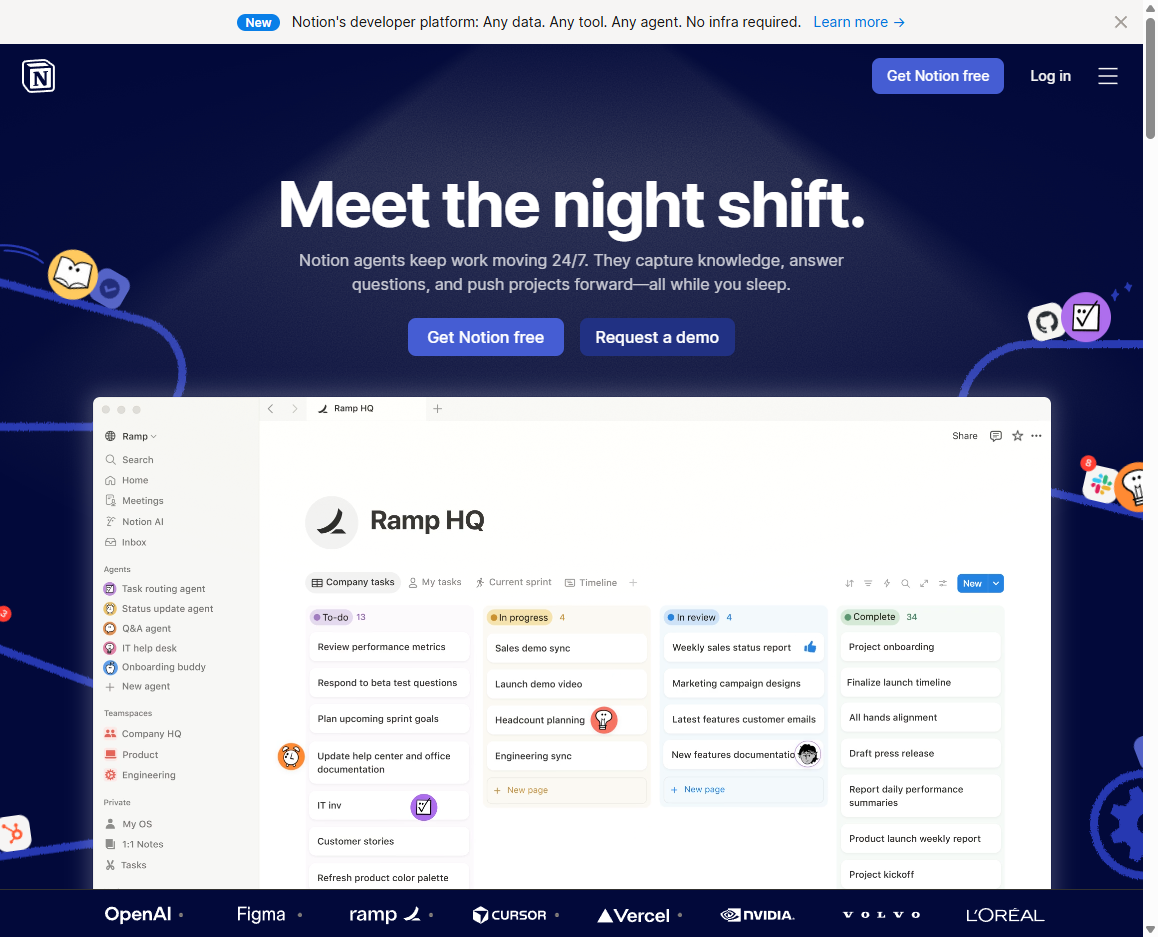
Notionโ€s basic building block can be text, a heading, checklist, image, table, embed, database view, toggle, callout, or linked page. Databases can appear as tables, boards, calendars, timelines, lists, and galleries, which lets one set of information serve many different workflows.
All-in-one workspace
The productโ€s promise is fewer scattered tools. A team might use Notion for meeting notes, onboarding, product specs, roadmaps, content calendars, CRM lists, design documentation, team handbooks, and project status pages instead of spreading that work across separate docs, spreadsheets, wikis, and task apps.
Community and templates
Notion grew partly through a strong user community. People shared dashboards, student planners, habit trackers, startup operating systems, content calendars, and public templates, turning personal workflows into reusable patterns and giving Notion a culture that felt more customizable than traditional office software.
AI workspace shift
Notion added AI features for writing, summarizing, translating, brainstorming, meeting notes, enterprise search, and workspace Q&A. More recently, it has framed the product as an AI workspace where agents can search knowledge, route tasks, draft reports, and automate repetitive work inside the same system where teams keep their context.
Calendar, mail, and connected tools
Notion has expanded beyond pages and databases with products such as Notion Calendar, Notion Mail, forms, sites, connections, and developer tools. That expansion pushes Notion from a flexible note app toward a broader operating layer for work, personal organization, and team knowledge.
Rise and pressure
Notion rose by making structure feel approachable: users could build a system without becoming database administrators or software developers. Its pressure comes from the same flexibility, because workspaces can become messy, slow, over-designed, or hard to govern as teams add pages, databases, permissions, and AI automation.
Why it matters
Notion matters because it helped popularize the idea that ordinary users can design their own productivity systems. It sits at the intersection of documents, databases, wikis, project management, no-code tools, and AI, showing how workplace software is becoming more modular and user-shaped.