Airtable
Airtable is a popular no-code app platform that combines a spreadsheet-like interface with database structure, collaboration tools, views, forms, automations, and custom workflow apps.
What Airtable is
Airtable is a web-based no-code app platform for organizing work around structured data. On Airtable.com, teams can build bases, create tables, customize fields, switch between views, collect form responses, design interfaces, and automate routine steps without starting from a traditional software project.
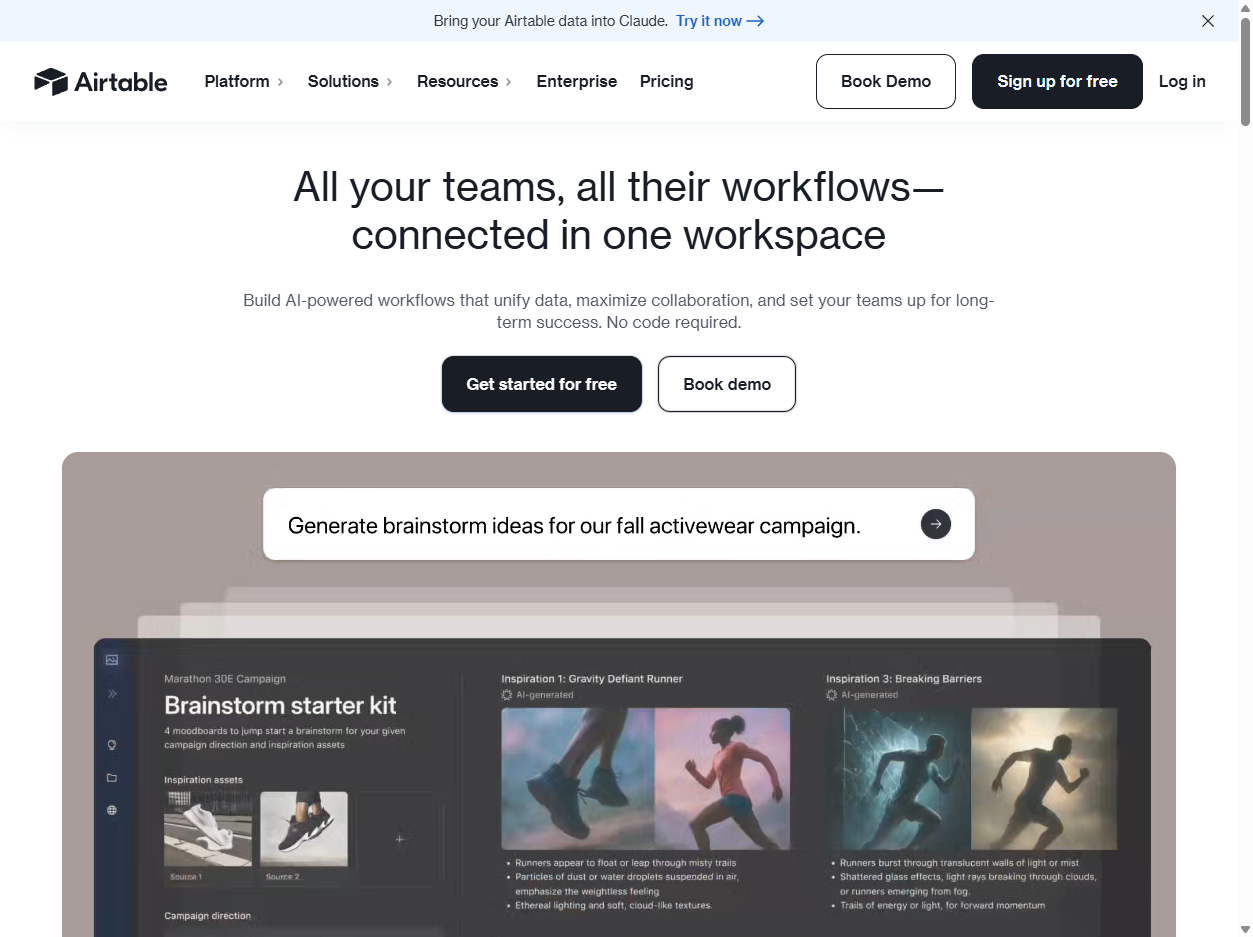
Spreadsheet surface, database model
Airtable looks familiar because its grid view resembles a spreadsheet, but its model is built around records, fields, linked data, and reusable views. That combination helps non-programmers build useful systems while still keeping more structure than a loose spreadsheet usually provides.
Bases, tables, fields, and records
A base is the container for a project or workflow. Inside it, tables hold records, and fields define the kind of information each record can store. Field types can represent text, numbers, dates, attachments, collaborators, selections, links to other records, and other structured values.
Views and forms
Airtable views let the same underlying table appear in different ways, such as grid, calendar, kanban, gallery, list, timeline, gantt, or form. Forms make it possible to collect outside submissions and save them directly into a base, which is useful for intake, requests, surveys, and lightweight operations workflows.
Interfaces and automations
Airtable also supports interfaces that present selected data to different users and automations that trigger actions when conditions are met. These features move Airtable beyond storage into internal tools, approval flows, notifications, status updates, and team-facing dashboards.
Collaboration and permissions
Teams can invite collaborators, share bases or views, and use permission levels to control who can create, edit, comment, or only read. That makes Airtable useful for workflows where many people need the same data but not the same level of control over the system.
Tradeoffs
Airtable is flexible, but flexibility can create messy bases if teams skip data design. Large workflows may need stronger governance, clearer naming, better permissions, integration review, backup practices, and sometimes a purpose-built database or business system instead.
Why it matters
Airtable matters because it made database-style work feel accessible to teams that did not want to write code. It sits between spreadsheets, project management tools, internal apps, and databases, giving many teams a faster path from scattered information to a usable workflow.