Basecamp
Basecamp is a popular project management website for organizing projects, client work, team communication, to-dos, schedules, files, and company-wide updates.
What Basecamp is
basecamp.com is the official website for Basecamp, a project management and collaboration platform built around organized project spaces. The site explains the product, pricing, features, customer stories, apps, help resources, and account access. Basecamp is often evaluated by teams that want fewer scattered tools for task lists, client communication, project files, schedules, announcements, and status updates.
Project spaces
Basecamp organizes work into separate projects, each with a set of tools such as message boards, to-dos, schedules, docs, files, automatic check-ins, and group chat. The idea is to keep the discussion, decisions, deadlines, and deliverables for a project in one shared place. That makes Basecamp different from a simple chat app, because the project remains browsable after the conversation has moved on.
Communication first
Basecamp has long emphasized calmer communication over constant meetings and fragmented status updates. Message boards work well for decisions and announcements that need context, while automatic check-ins can replace repeated standup questions. Teams can use Basecamp to ask for progress, collect feedback, and keep a written history without relying entirely on live meetings or fast-moving chat threads.
To-dos, schedules, and files
A Basecamp project can hold to-do lists, assigned tasks, due dates, calendar items, documents, files, and project references. Those pieces are intentionally straightforward. Basecamp is not trying to be a highly customizable workflow database; it is built for teams that want a clear shared project area with enough structure to know what is happening and who is responsible.
Client and company work
Basecamp is frequently used for client services, agency work, consulting, internal operations, design projects, marketing projects, and small-company coordination. Client access is a major part of its appeal because outside collaborators can be included in the right project spaces without exposing every internal conversation. Company-wide communication can also live in Basecamp through announcements, discussions, and recurring check-ins.
Who uses Basecamp
Basecamp is used by small businesses, agencies, consultants, designers, writers, operations teams, nonprofits, remote teams, managers, and client-facing service companies that need a simple place to coordinate work. It tends to fit teams that value written communication, predictable project spaces, and low administrative overhead more than advanced customization or complex reporting.
Pricing and setup choices
Basecamp pricing should be checked on the official pricing page because plans, trials, limits, and billing terms can change. When evaluating Basecamp, teams usually compare whether they need a simple shared project hub or a more specialized tool for software development, CRM, resource planning, time tracking, or advanced portfolio reporting. Setup usually works best when each project has clear owners, naming conventions, and client-access rules.
Strengths and cautions
Basecamp's strength is restraint: it gives teams a consistent set of project tools without asking them to design a large custom system. That can make adoption easier, especially for teams that are tired of overbuilt workflows. The tradeoff is that teams needing complex dependencies, deep analytics, custom fields, or highly automated operations may prefer a more configurable platform.
Why it matters
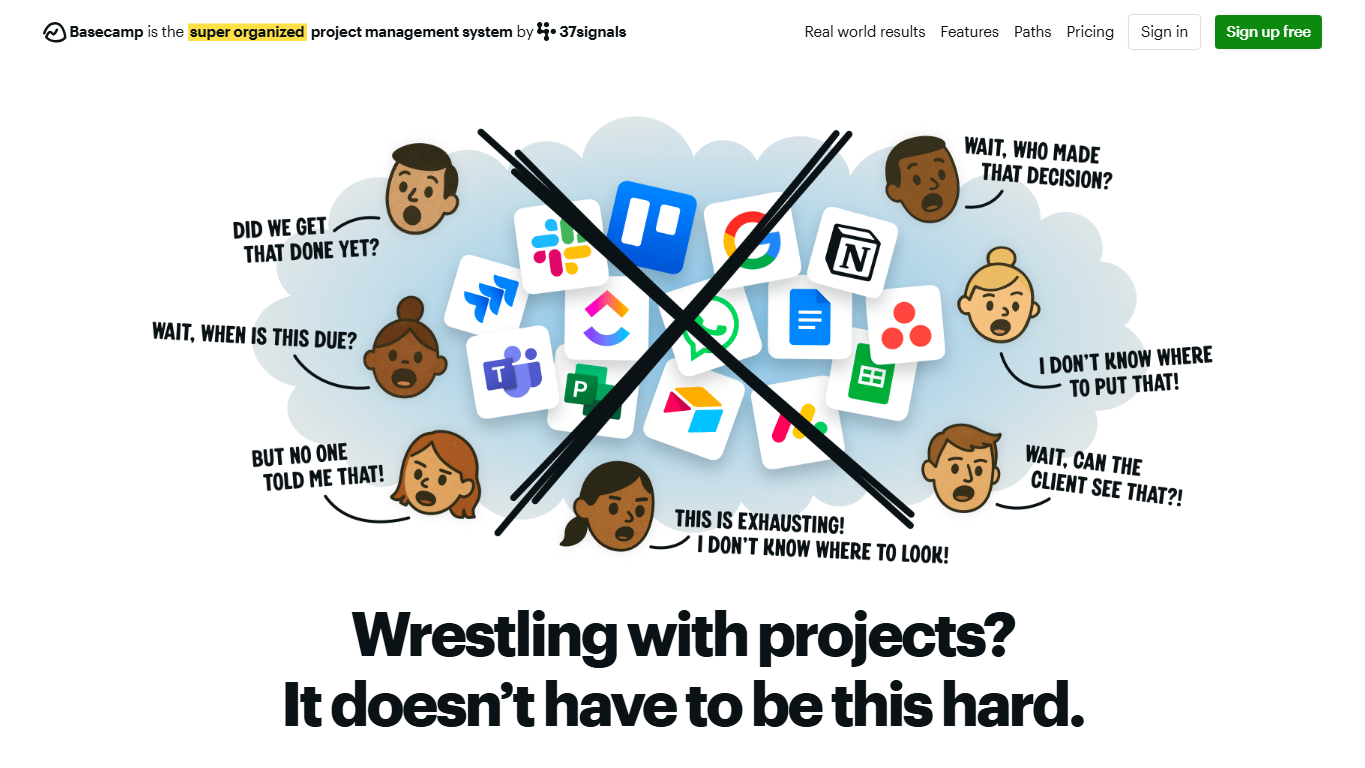
Project management tools matter because work often gets split across email, chat, meetings, spreadsheets, files, and personal task lists. Basecamp offers a more deliberate project home where decisions, responsibilities, and reference material can stay together. Its opinionated design is part of the product: it nudges teams toward fewer channels, clearer writing, and easier project memory.
WHOIS domain data
Data pulled: May 20, 2026View current WHOIS record
- Domain
- basecamp.com
- IP address
- 104.18.15.58
- Registrar
- Cloudflare, Inc.
- WHOIS server
- whois.cloudflare.com
- Referral URL
- http://www.cloudflare.com
- Created
- July 30, 1994
- Updated
- April 30, 2026
- Expires
- July 29, 2027
- Nameservers
- seamus.ns.cloudflare.com (108.162.195.184); tina.ns.cloudflare.com (172.64.32.230)
- Domain status
- clientDeleteProhibited, clientTransferProhibited, clientUpdateProhibited, serverDeleteProhibited, serverTransferProhibited, serverUpdateProhibited, renewPeriod
- DNSSEC
- unsigned
- Contact privacy
- Registrant contact fields are redacted in the visible WHOIS record.
- Source
- https://who.is/whois/basecamp.com