monday.com
monday.com is a popular work management website for organizing projects, teams, dashboards, automations, customer pipelines, product work, and business operations.
What monday.com is
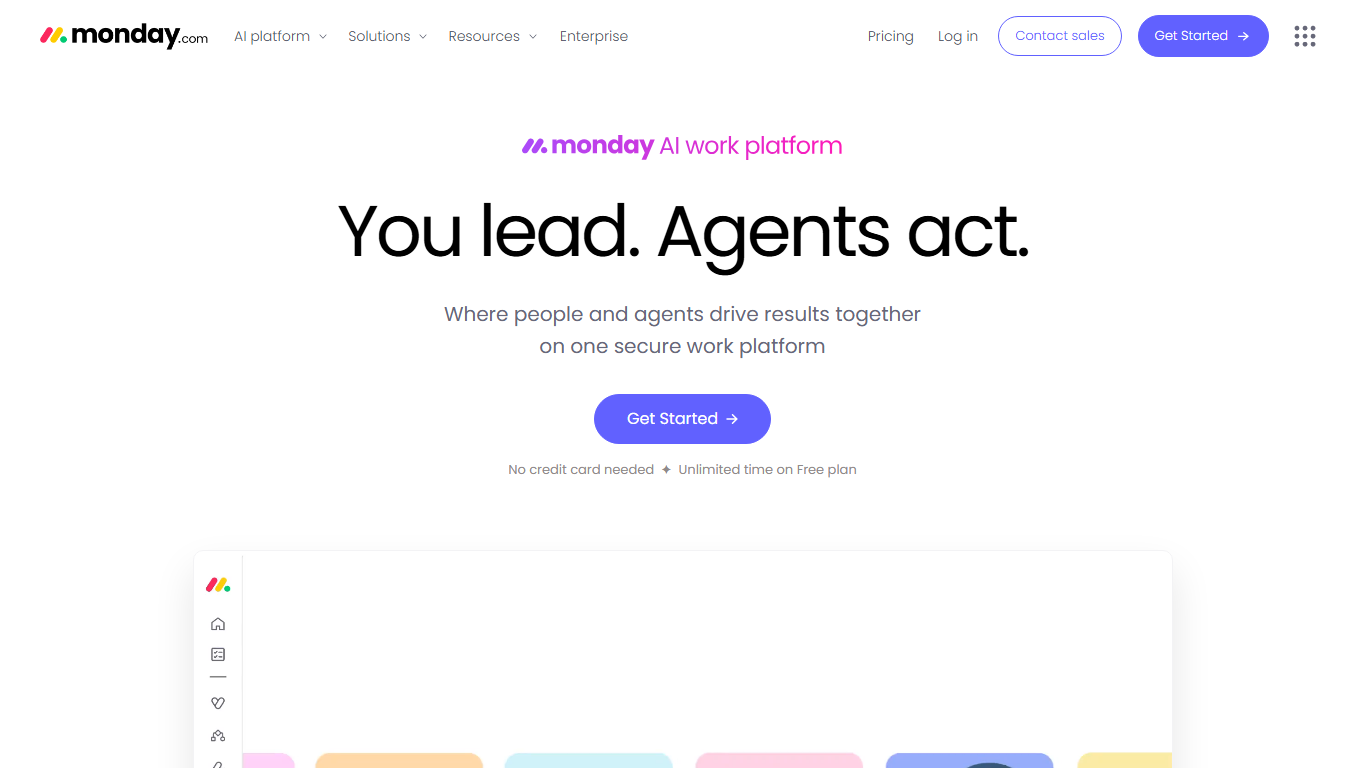
monday.com is the official website for monday.com, a cloud-based work platform for organizing team activity in shared boards, workflows, forms, dashboards, and automations. The site is used to learn about the product, compare plans, start trials, sign in, read customer stories, and explore templates for different departments. Its central promise is to make work visible: who owns each item, what stage it is in, what is blocked, and what needs attention next.
How the platform works
A monday.com workspace usually starts with boards. A board can represent projects, campaigns, sales opportunities, product requests, content calendars, tickets, hiring pipelines, or operational checklists. Users add columns for people, status, dates, files, numbers, formulas, dependencies, and other fields. Views then reshape the same underlying work into tables, calendars, Kanban boards, timelines, charts, forms, or dashboards.
Boards, automations, and dashboards
The practical value of monday.com comes from combining structured records with automation. Teams can trigger notifications, assign owners, move items, update statuses, create recurring tasks, or connect work to external tools when conditions are met. Dashboards summarize work across boards so managers and teammates can track workload, deadlines, budgets, goals, and bottlenecks without asking for manual status updates.
Products and use cases
monday.com is not limited to a single project-management pattern. The website positions the platform for work management, customer relationship management, product and software work, service operations, marketing, human resources, finance, operations, and creative production. That makes the site a frequent comparison point against task managers, spreadsheet-based trackers, CRM systems, help desk tools, and low-code workflow builders.
Who uses monday.com
monday.com is used by project managers, operations teams, marketing teams, sales teams, product managers, software teams, customer service teams, agencies, executives, and cross-functional groups that need a shared place to plan and track work. Small companies may use it as a central operating workspace, while larger organizations may use it department by department for campaigns, launches, intake queues, reporting, or process standardization.
Integrations and collaboration
The platform is often adopted because it sits between planning, execution, and communication. Integrations can connect monday.com with email, calendars, chat, file storage, development tools, forms, and other business systems. Comments, mentions, file attachments, notifications, and activity history help teams discuss work in the same place where the work item is tracked.
Pricing and plan choices
monday.com pricing depends on plan tier, user count, billing term, product choice, automations, integrations, storage, dashboards, permissions, security needs, and enterprise support. Teams should review the official pricing page because feature limits and packaging can change. A good evaluation usually includes testing real workflows, not just comparing checklist features, because the value depends on how well the board structure matches a team's habits.
Strengths and cautions
monday.com is strongest when a team needs configurable tracking, clear ownership, repeatable processes, and visual reporting. It can be less ideal when the underlying process is still undefined, when users create too many boards without governance, or when a specialized system is needed for accounting, engineering source control, or regulated records. Successful rollouts usually name workspace owners, keep templates consistent, and decide which automations are helpful instead of noisy.
Why it matters
Work management tools matter because many organizations run on informal status updates, spreadsheets, and disconnected message threads. monday.com gives teams a shared operational layer where plans, progress, exceptions, and reporting can live together. That can reduce coordination work and make handoffs easier, but only if the platform is maintained as a source of truth rather than another place to duplicate updates.
WHOIS domain data
Data pulled: May 20, 2026View current WHOIS record
- Domain
- monday.com
- IP address
- 104.16.51.19
- Registrar
- GoDaddy Corporate Domains, LLC
- WHOIS server
- whois.brandsight.com
- Referral URL
- http://gcd.com
- Created
- July 19, 1995
- Updated
- February 26, 2024
- Expires
- July 18, 2027
- Nameservers
- dns1.p07.nsone.net (198.51.44.7); dns2.p07.nsone.net (198.51.45.7); dns3.p07.nsone.net (198.51.44.71); dns4.p07.nsone.net (198.51.45.71); ns11.constellix.com (96.45.80.1)
- Domain status
- clientTransferProhibited
- DNSSEC
- unsigned
- Source
- https://who.is/whois/monday.com