Miro
Miro is a popular online visual workspace where teams use boards, diagrams, sticky notes, templates, and integrations to brainstorm, plan, map, design, and collaborate in real time or asynchronously.
What Miro is
Miro is an online visual collaboration website and app for working on shared boards. On Miro.com, teams can create an infinite canvas, add sticky notes, shapes, diagrams, images, documents, comments, frames, templates, and AI-assisted workflows, then collaborate live or asynchronously.
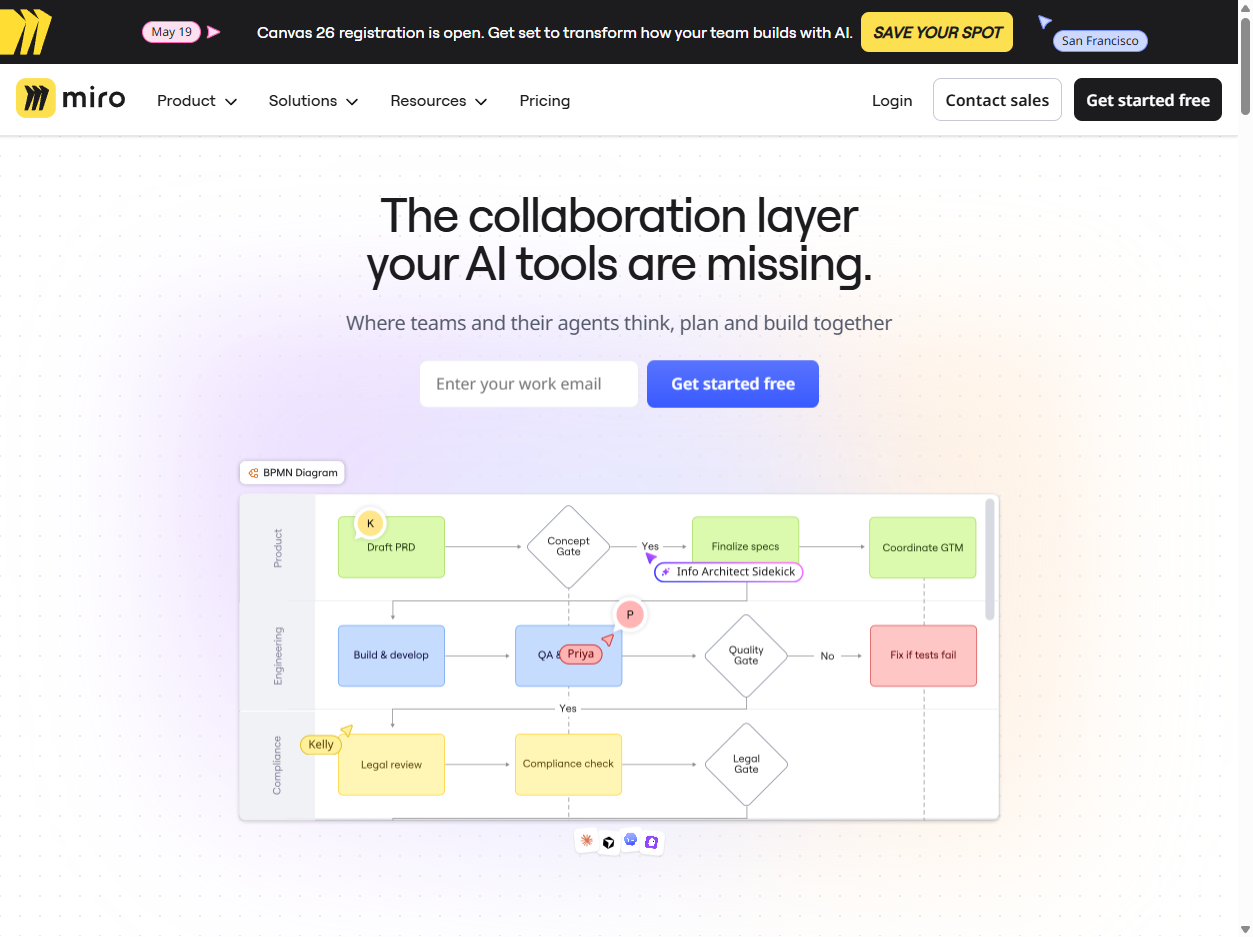
The board as workspace
A Miro board works like a flexible digital wall. People can zoom out to see a whole project map or zoom in to work on a single diagram, sticky-note cluster, journey map, workshop agenda, or product plan. That makes it useful for messy early thinking as well as more structured planning.
Collaboration patterns
Miro is often used for brainstorming, retrospectives, design critiques, customer journey maps, roadmaps, architecture diagrams, research synthesis, and workshop facilitation. Real-time collaboration helps teams work together in the same session, while comments, reactions, presentations, and recordings support people who join later.
Templates and structure
The blank canvas is powerful, but it can also be intimidating. Miro addresses that with templates for common workflows such as agile ceremonies, product discovery, strategy planning, wireframing, diagramming, meetings, and education. Templates give teams a starting shape so the board does not become only a pile of scattered notes.
Integrations and AI
Miro connects with tools such as Jira, Azure DevOps, Figma, Slack, Teams, and GitHub Copilot, according to its own product overview. Its newer AI positioning focuses on understanding board context, generating ideas, summarizing content, and helping teams move from visual exploration toward decisions and execution.
Tradeoffs
A visual workspace can make complex work easier to see, but large boards can also become chaotic, slow, or hard to govern. Teams need naming, ownership, access controls, cleanup habits, and clear meeting facilitation. Without that discipline, a Miro board can become another place where important decisions are hidden in clutter.
Why it matters
Miro matters because distributed teams need more than chat, documents, and slide decks. Visual collaboration helps people arrange ideas spatially, notice relationships, and build shared understanding. For remote and hybrid work, the digital whiteboard became a substitute for the office wall, the workshop table, and the strategy room.