Zapier
Zapier is a workflow automation website and platform for connecting apps, moving data between services, and building automated systems without writing a custom integration from scratch.
What Zapier is
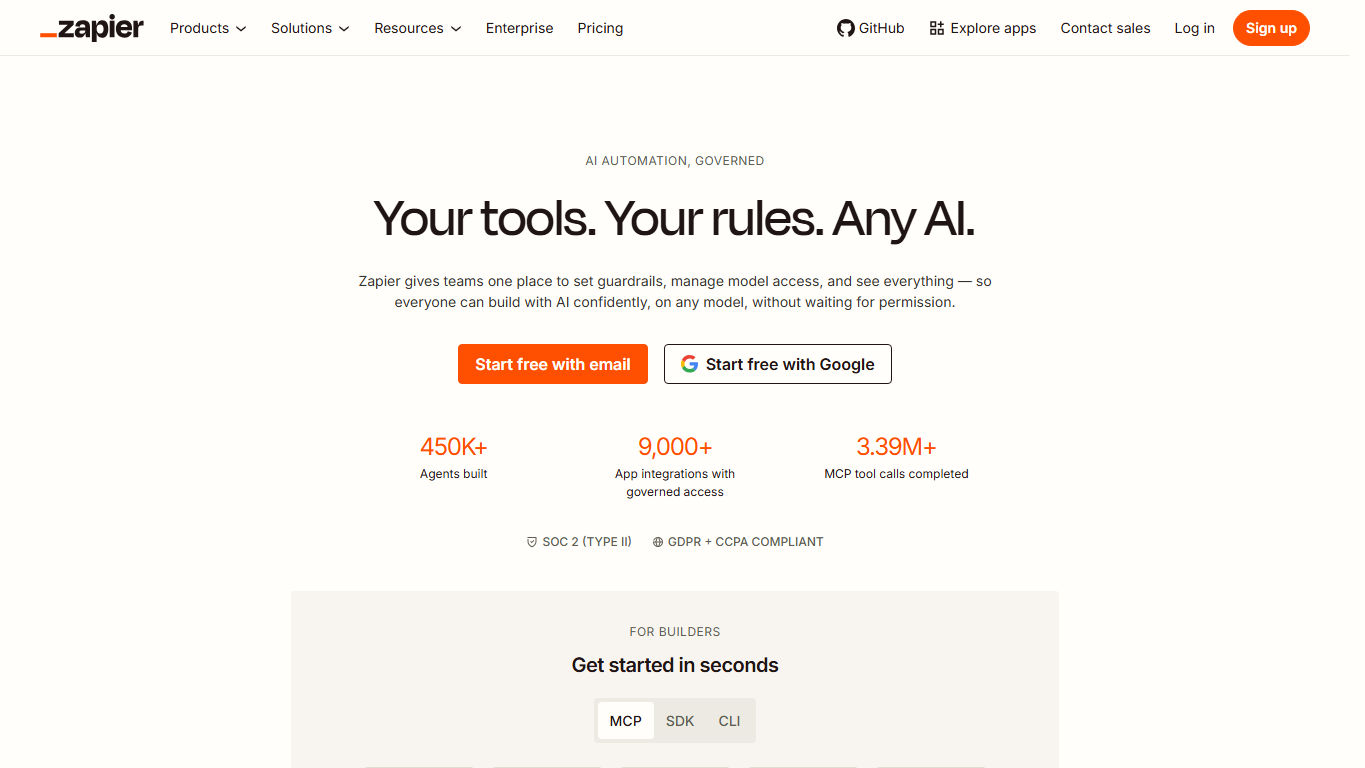
Zapier is a website and automation platform for connecting web apps and automating business workflows. A user can make an event in one app, such as a new form submission or customer record, trigger actions in other apps, such as sending a message, updating a spreadsheet, creating a task, or routing a lead.
How Zaps work
Zapier's best-known workflow unit is called a Zap. A Zap begins with a trigger, which is the event that starts the workflow, and then runs one or more actions. That trigger-action model lets teams automate repeatable handoffs between tools without building and maintaining a custom API integration for every workflow.
App connections
The platform works through integrations with thousands of apps. Each integration defines what Zapier can watch for, what it can create or update, and how an account is authenticated. The practical value comes from connecting tools that a team already uses, such as forms, CRMs, email platforms, project management apps, databases, spreadsheets, help desks, and chat tools.
Beyond simple automation
Zapier now includes more than basic app-to-app workflows. Its product family includes tools for tables, forms, chatbots, agents, canvas-style process mapping, developer functions, and AI-oriented workflows. That means a team can use Zapier for a single notification rule or for a broader system that gathers data, routes work, and coordinates steps across multiple apps.
Developer and partner use
Software companies can also build Zapier integrations so their customers can connect a product with other services. Zapier's developer platform supports triggers, actions, authentication, and integration-building workflows. This gives app makers a way to join the automation ecosystem without building every partner connection themselves.
Why it matters
Zapier matters because many organizations run on a stack of specialized web apps. Without automation, people copy data between those apps manually, forget handoffs, or wait for engineering teams to build one-off scripts. A no-code automation layer can reduce repetitive work and make small teams feel more connected than their software stack actually is.
Limits and cautions
Automation needs design discipline. A Zap can break when an app changes its API, a field is renamed, permissions expire, usage limits are reached, or bad input moves through the workflow. Teams should document important automations, monitor failures, protect secrets, test edge cases, and decide when a critical workflow deserves a dedicated integration or internal system.
WHOIS domain data
Data pulled: May 19, 2026View current WHOIS record
- Domain
- zapier.com
- IP address
- 13.226.238.124
- Registrar
- Name.com, Inc.
- WHOIS server
- whois.name.com
- Referral URL
- http://www.name.com
- Created
- October 30, 2011
- Updated
- January 20, 2020
- Expires
- October 30, 2027
- Nameservers
- ns-404.awsdns-50.com (205.251.193.148); ns-1407.awsdns-47.org (205.251.197.127); ns-710.awsdns-24.net (205.251.194.198); ns-1581.awsdns-05.co.uk (205.251.198.45)
- Domain status
- clientTransferProhibited; clientUpdateProhibited
- Contact privacy
- Registrant, admin, and technical contact names are redacted for privacy and listed through Domain Protection Services, Inc.