Smartsheet
Smartsheet is a popular work management website for project tracking, spreadsheet-like workflows, automation, dashboards, portfolio visibility, and enterprise collaboration.
What Smartsheet is
smartsheet.com is the official website for Smartsheet, a work management platform that combines spreadsheet-like grids with project tracking, collaboration, automation, dashboards, and portfolio reporting. The site presents Smartsheet's platform, pricing, solutions, templates, customer stories, support resources, and account access. Many teams evaluate it when spreadsheets have become too manual but a full custom system would be too heavy.
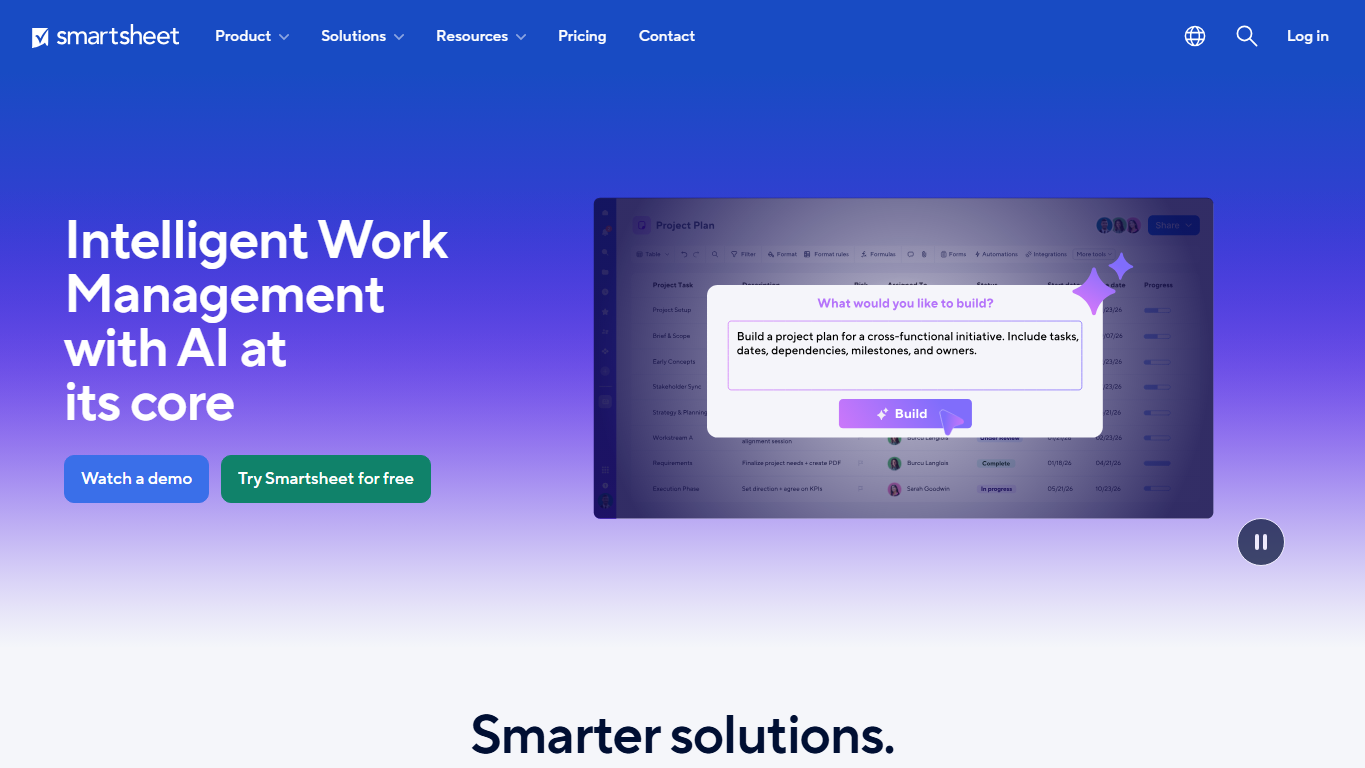
Spreadsheet-like work management
Smartsheet is familiar to spreadsheet users because work can be organized in rows, columns, dates, owners, statuses, formulas, attachments, and comments. That familiar structure makes it useful for project plans, task trackers, request lists, implementation schedules, budgets, and operational logs. Unlike a basic spreadsheet, Smartsheet can add permissions, workflows, dashboards, and automation around the same structured data.
Projects, portfolios, and dashboards
Smartsheet is often used to connect individual project plans to higher-level reporting. Teams can track tasks and milestones at the project level, then roll information into dashboards or portfolio views for leaders. This helps organizations see what is on track, what is blocked, which teams are overloaded, and where schedules or resources need attention.
Automation and forms
Automation is a major part of Smartsheet's value. Workflows can send alerts, request approvals, assign people, update fields, or move work forward when conditions are met. Forms can collect requests or intake data from people who do not need to edit the underlying sheet. Together, these features turn a static tracker into a repeatable process.
Resource and enterprise controls
Smartsheet is frequently adopted in organizations that need more structure than personal productivity tools provide. Enterprise features can include access controls, administration, auditability, security settings, integrations, resource management, and tools for scaling repeatable programs. This makes Smartsheet relevant to project management offices, operations teams, IT, marketing, construction, professional services, and other process-heavy groups.
Who uses Smartsheet
Smartsheet is used by project managers, operations teams, portfolio managers, marketing teams, construction teams, IT departments, finance teams, agencies, nonprofits, and enterprise program offices. It fits teams that want spreadsheet familiarity but also need shared ownership, workflows, dashboards, and reporting that are difficult to maintain in ordinary files.
Pricing and setup choices
Smartsheet pricing depends on plan, user roles, billing term, automation limits, dashboards, integrations, resource management, security controls, support, and enterprise requirements. Teams should check the official pricing page before buying because packaging can change. A useful evaluation should test real sheets, permissions, dashboards, intake forms, and approval workflows rather than only comparing feature lists.
Strengths and cautions
Smartsheet's strength is giving spreadsheet-oriented teams a path toward more governed work management. It can reduce manual status reporting and help leaders see work across many projects. The caution is that poorly designed sheets can recreate the same problems as messy spreadsheets. Successful teams usually define naming standards, owners, archival rules, and which fields are required for reporting.
Why it matters
A large amount of business work still begins in spreadsheets because they are flexible and familiar. Smartsheet matters because it builds on that habit while adding collaboration, automation, and visibility. For organizations that coordinate many projects at once, that can turn scattered trackers into a more reliable operating system for work.
WHOIS domain data
Data pulled: May 20, 2026View current WHOIS record
- Domain
- smartsheet.com
- IP address
- 151.101.194.191
- Registrar
- MarkMonitor Inc.
- WHOIS server
- whois.markmonitor.com
- Referral URL
- http://www.markmonitor.com
- Created
- April 15, 2001
- Updated
- November 5, 2024
- Expires
- April 15, 2030
- Nameservers
- ns-1053.awsdns-03.org (205.251.196.29); ns-479.awsdns-59.com (205.251.193.223); ns-696.awsdns-23.net (205.251.194.184); ns-1673.awsdns-17.co.uk (205.251.198.137)
- Domain status
- clientDeleteProhibited, clientTransferProhibited, clientUpdateProhibited
- DNSSEC
- unsigned
- Registrant organization
- Smartsheet Inc.
- Registrant country
- US
- Contact privacy
- Registrant and technical email are available through MarkMonitor's request email form.
- Source
- https://who.is/whois/smartsheet.com